
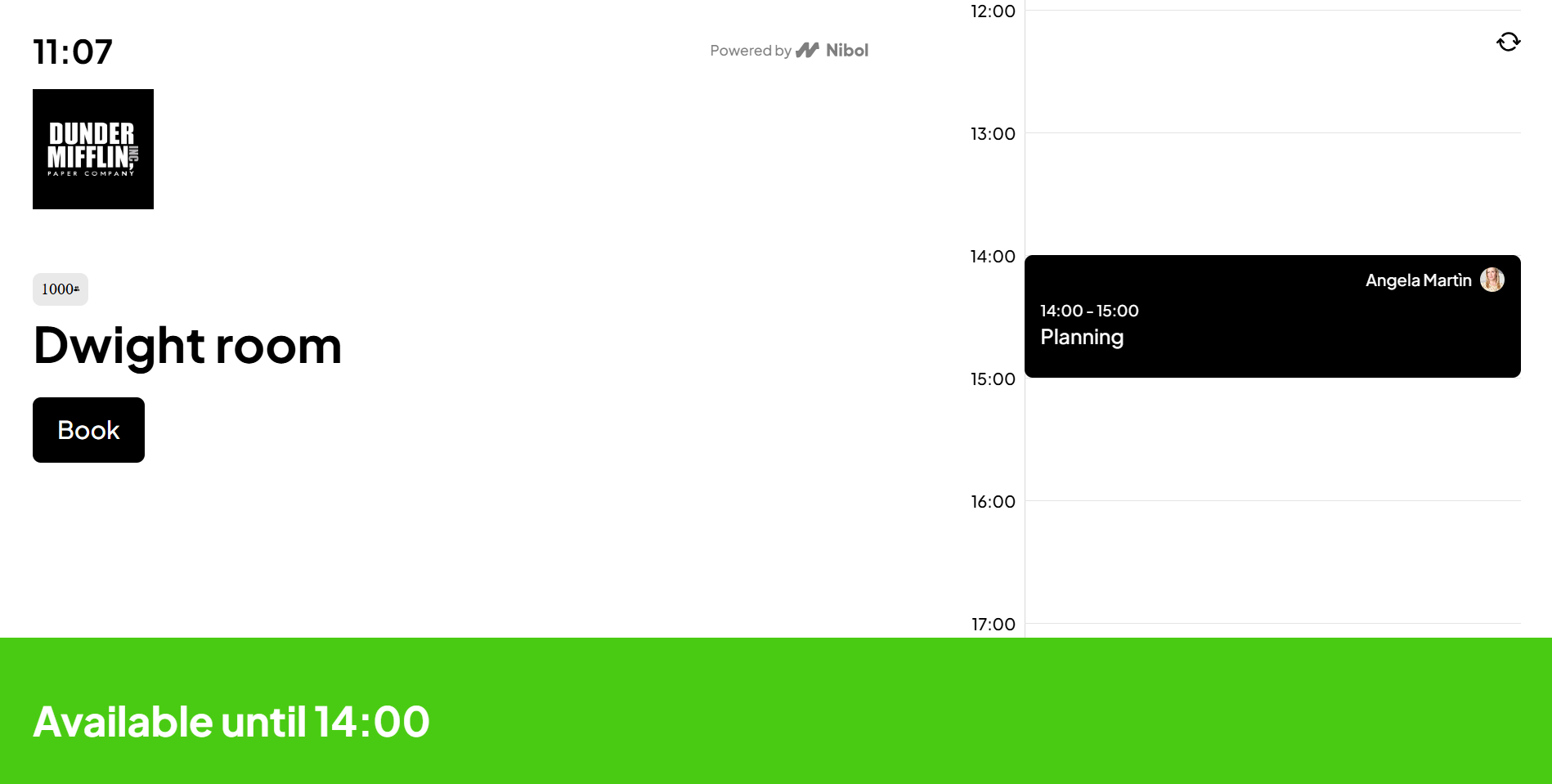
To book the room, tap Book or select a time directly by scrolling along the timeline as you wish. Please note that the minimum duration for a meeting is 15 minutes, and that it cannot start before the current time or overlap with other existing bookings.
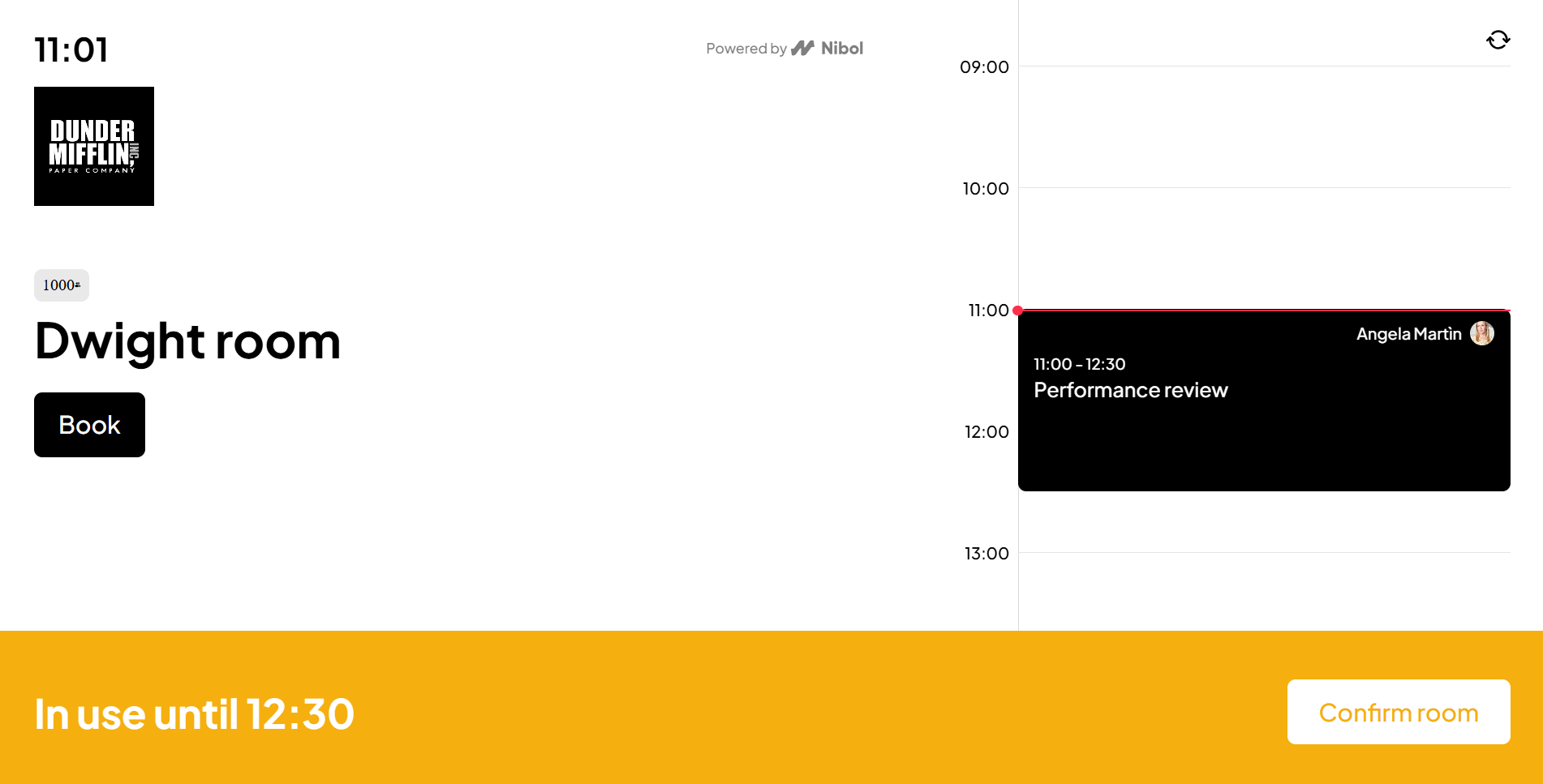
Once check-in has been set up, the room on the tablet will turn yellow when it is time to proceed with check-in.
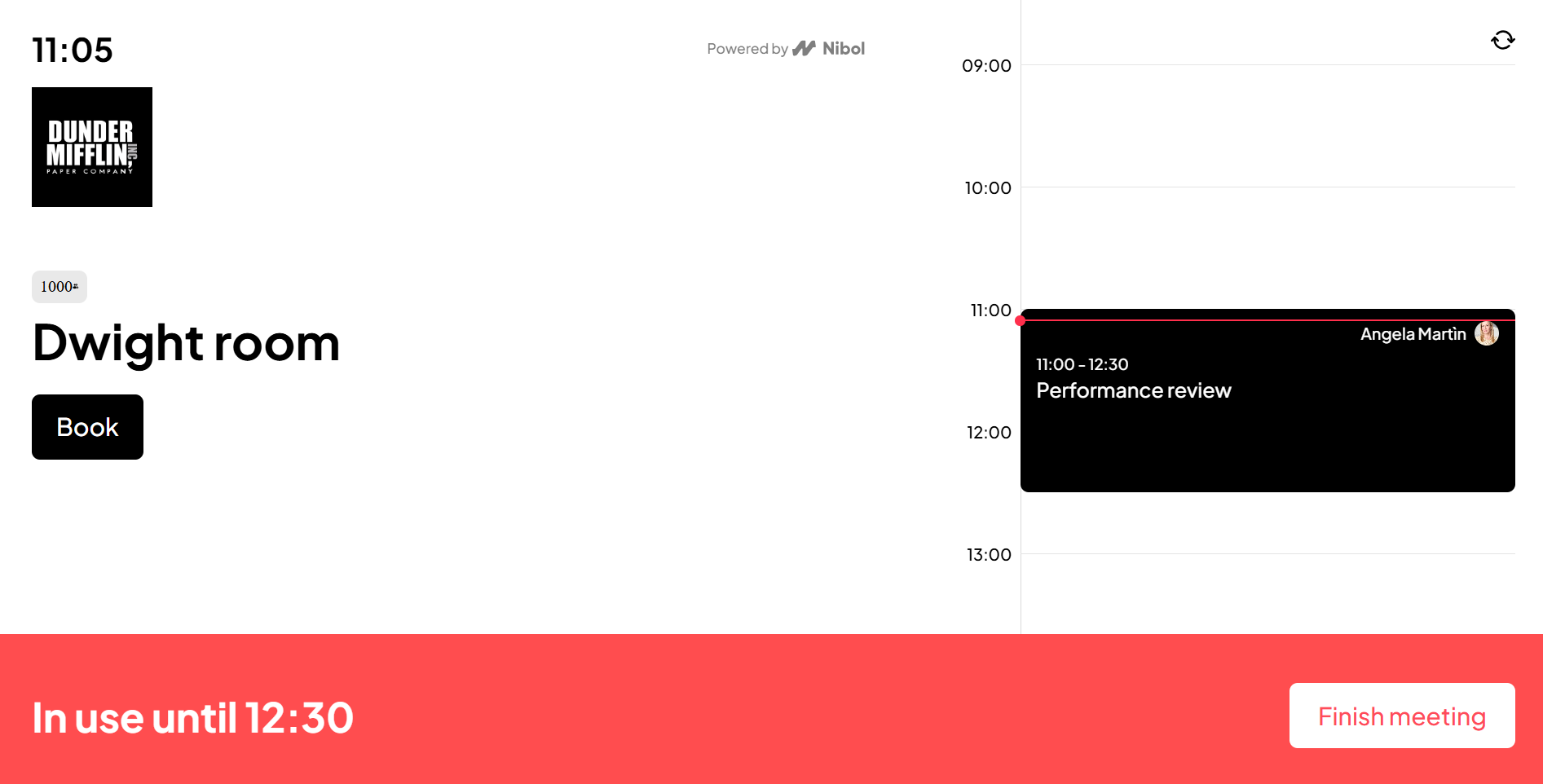
When a room is in use for a meeting, its corresponding screen is highlighted in red. You can still book it for a different time.
Book meeting rooms from Nibol App and view them on Room App for tablets
You can also use your Nibol App, mobile or web version to book meeting rooms and view the booking directly on your tablet.
Conversely, rooms booked on the tablet will also be visible on the Nibol App once you have selected the room on the floor plan.