
To link a meeting room you’ve created on Nibol to your tablet, simply follow these steps:
Go to Nibol > Settings
Open the settings for the building whose rooms you want to link > click on Bookable entities
Next to the Room entity, click on Edit > go to the Tablet app tab
Select the room for which you want to generate a pairing code to use on the tablet, and click on Edit.
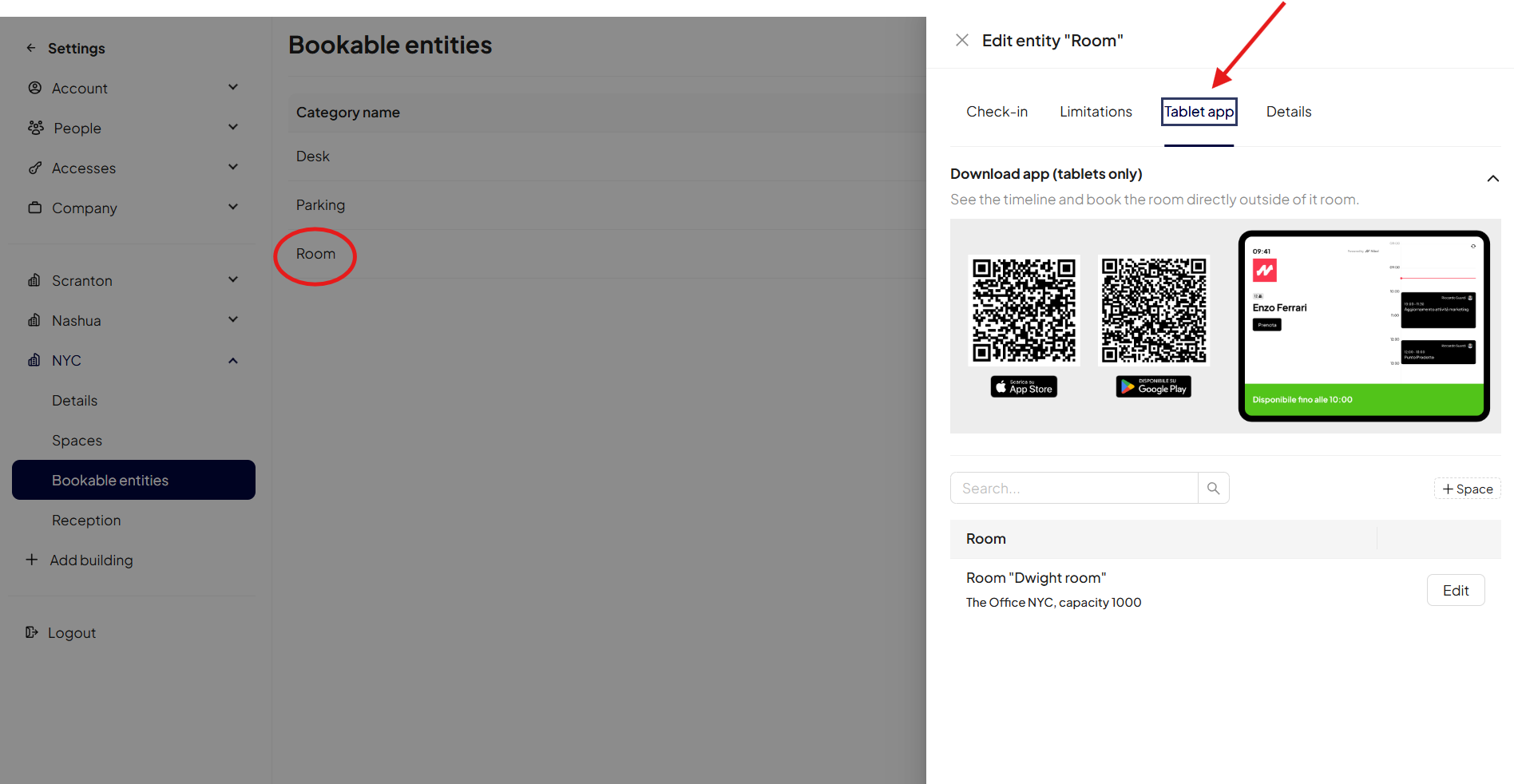
At this point, a side drawer will open, revealing the following pages:
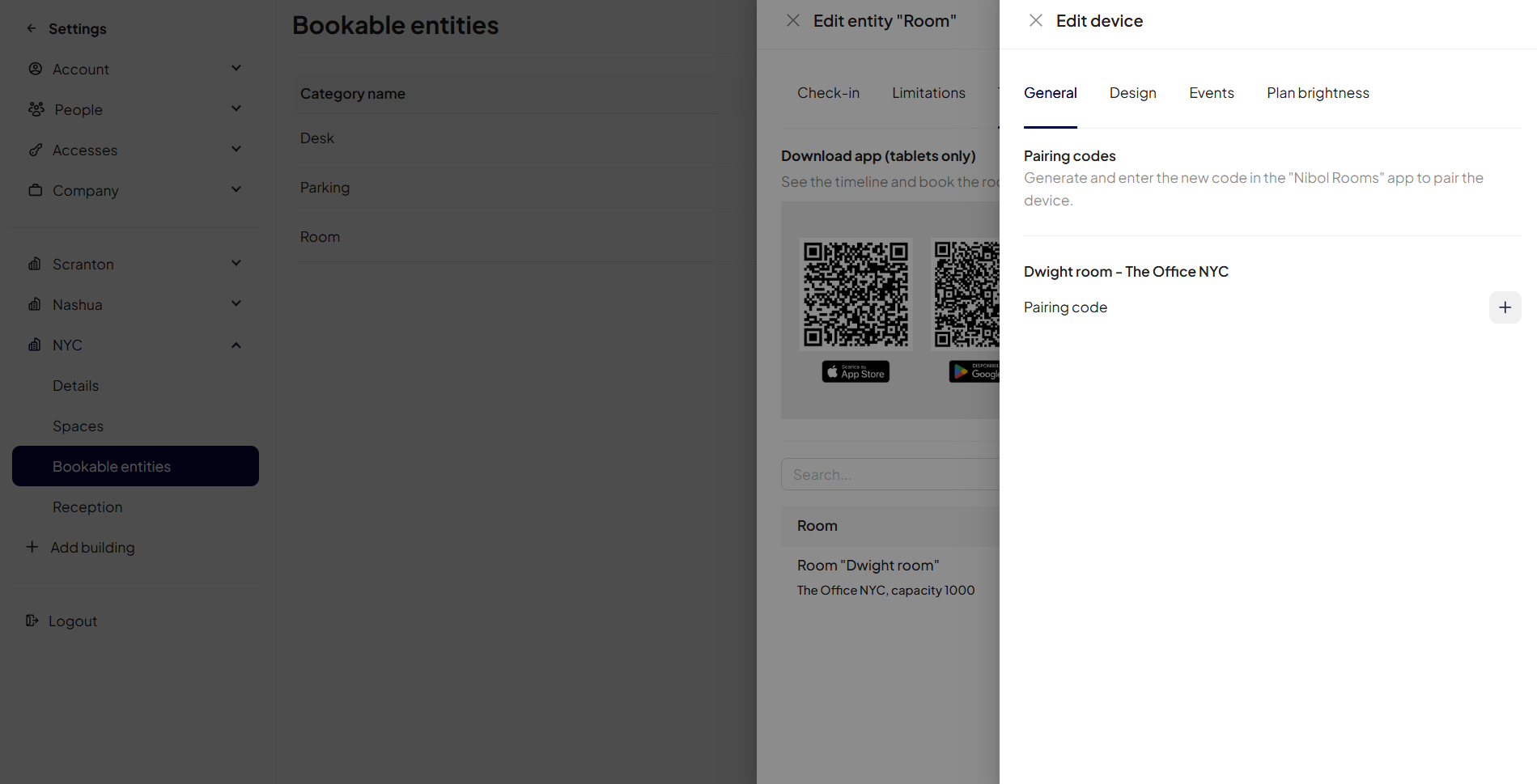
General: where to generate the pairing codes to be entered on the devices.
Once the code has been generated, you can pair the room on your tablet by entering it on the home screen of the Nibol Room App.
Design: where you can choose the language and background colours for your linked devices.
Events: where you can set which types of bookings your users will be allowed to make (display meeting titles and organisers, and require meeting confirmation via check-in).
Plan the brightness of your devices.